
ROOMS
video collaboration for teams that can't afford to get it wrong.
Persistent rooms that keep your files, recordings, decisions, and participants intact.
Your next session picks up exactly where the last one ended.
Most collaboration tools are built for the moment. Not the work.
When a call ends, everything inside it disappears.
Files get re-uploaded. Decisions get rebuilt from memory. A new stakeholder joins and no one can reconstruct how things got to where they are.
Rooms solve that by keeping the workspace alive for the life of the project.
PERSISTENT WORKSPACE
A WORKSPACE THAT STAYS.
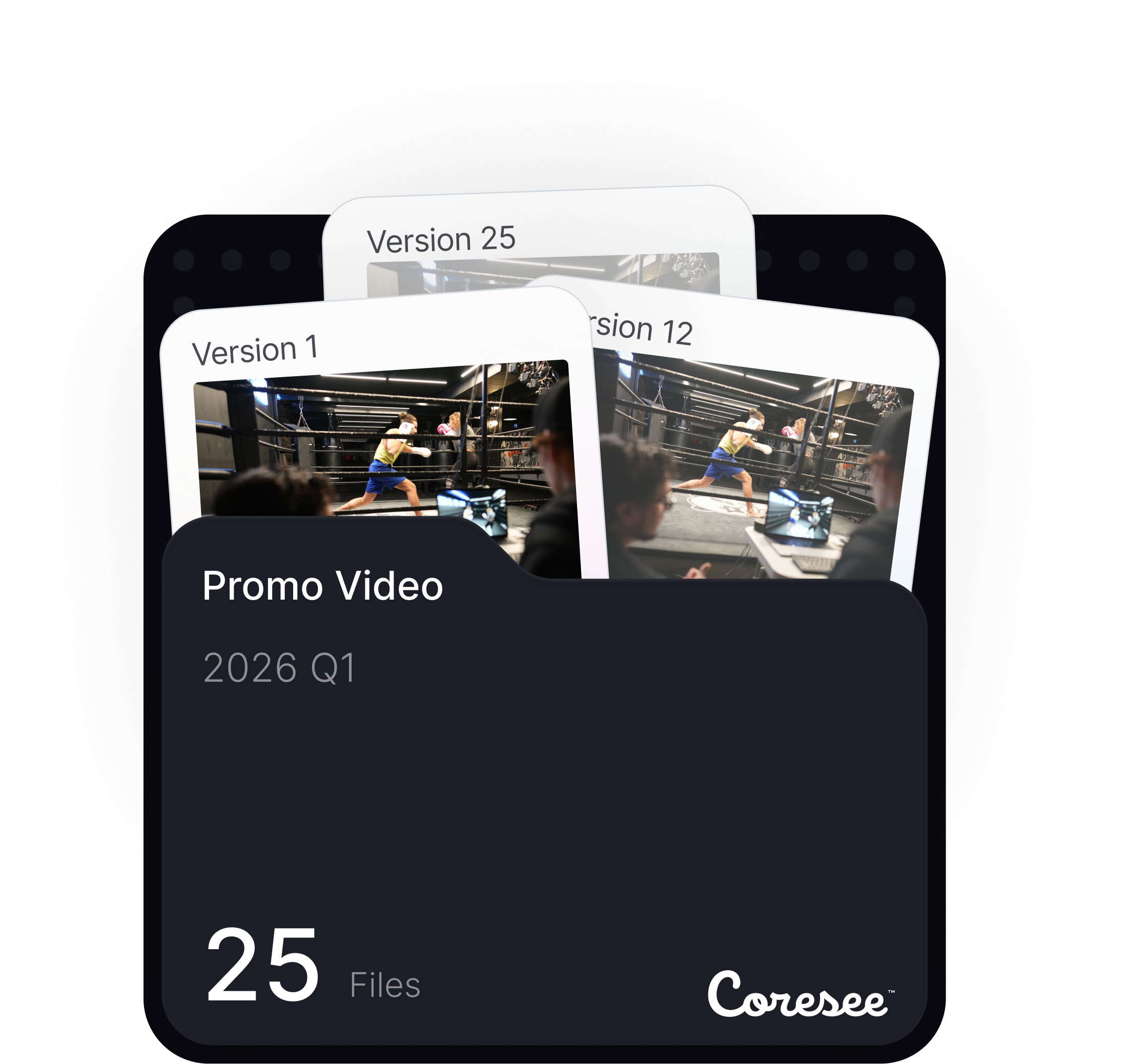
Every Room holds the project context in one place, so teams can return days, weeks, or months later without rebuilding the conversation.
Everything your team presents, decides, and annotates remains exactly where you left it.
ONE ROOM PER PROJECT
Create dedicated Rooms for a project, client, department, or team. Every session joins one continuous timeline.

FILES LIVE WITH THE ROOM
Uploads, recordings, and shared media stay attached to the room — never to an expiring link.
PARTICIPANTS STAY INVITED
Add a teammate once. They keep access across every future session of the same room.
FLEXIBLE CONFIGURATION
SET UP THE ROOM YOUR WAY
Different sessions need different rules. A confidential client review, an internal critique, and an open workshop should not feel the same.
DECIDE WHO GETS IN
Choose the right access level for each room. Let guests join instantly from a browser with no account, require a host to be present before anyone enters, use host-controlled admission, or make the room private.
DECIDE HOW THEY JOIN
Set defaults for visibility, microphone state, and participation level before the session starts.
DECIDE WHAT THEY EXPERIENCE
Customize the room with your branding, layouts, media, and presentation setup. Every session can feel purpose-built for the audience, the project, or the client.
MODIFY AS NEEDED
Change the setup anytime. Room controls stay available in the control panel before, during, and after the meeting, so the workspace can evolve with the project.
Create unlimited rooms and keep each one set up exactly as you need it
CONTROL PANEL
RUN THE ROOM
All your videoconference tools right at your fingertips.
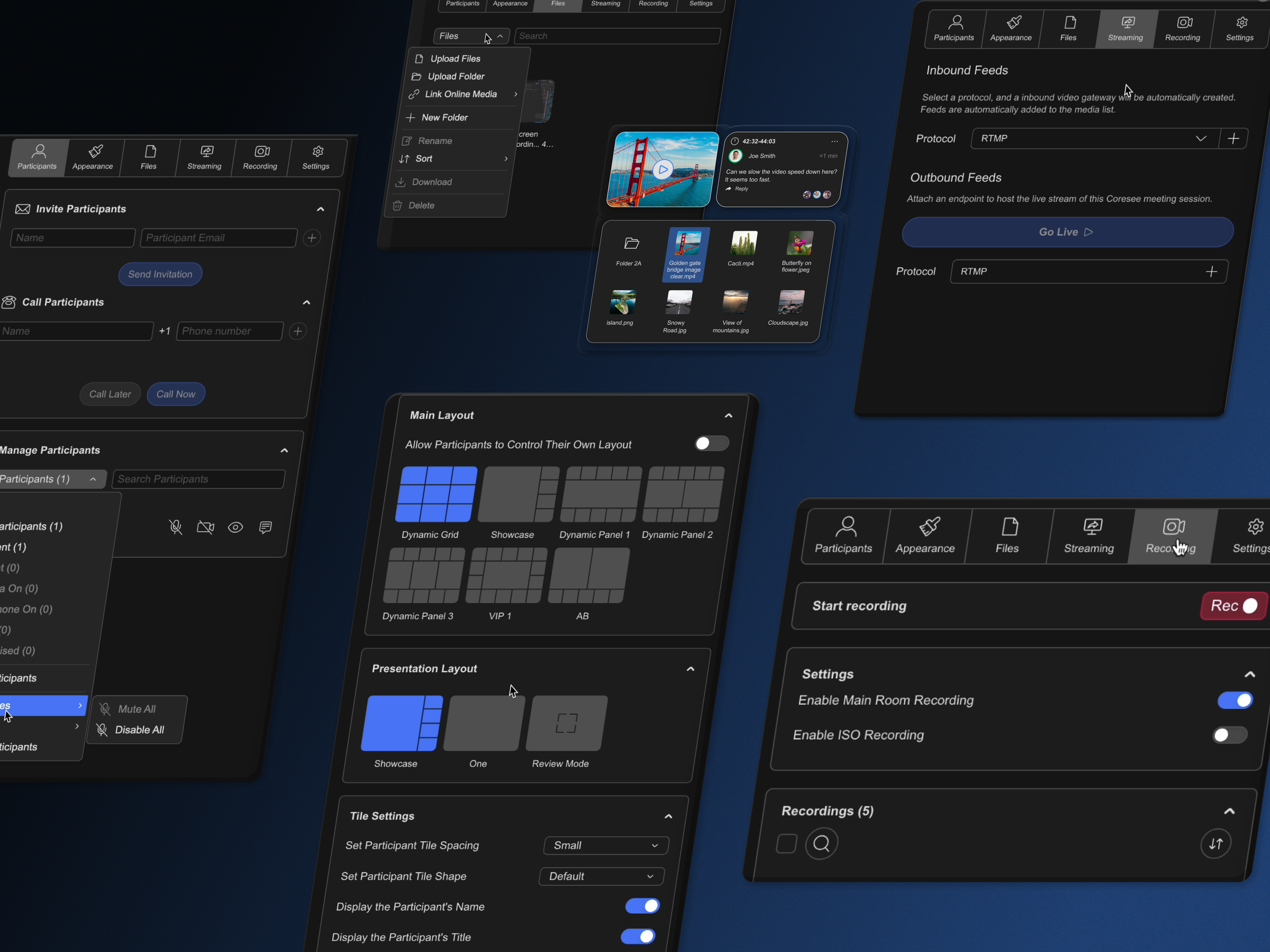
Add media, update layouts, manage participants, start recordings, and customize your room’s branding while still seeing everyone.
Focus on what matters most, your conversation.
PARTICIPANT MANAGEMENT
Promote unlimited co-hosts, mute microphones, disable cameras, hide tiles from the stage, or remove attendees entirely.

APPEARANCE & BRANDING
Apply your logo, brand colors, and dynamic video background. Multiple layout options for participants and presentations. The room reflects your identity.

MEDIA
PDFs, images, video up to 4K at 60 fps. Upload, transcode, share, and download any format, then present up to 16 files at once or guide your audience through a custom playlist.

RECORDING
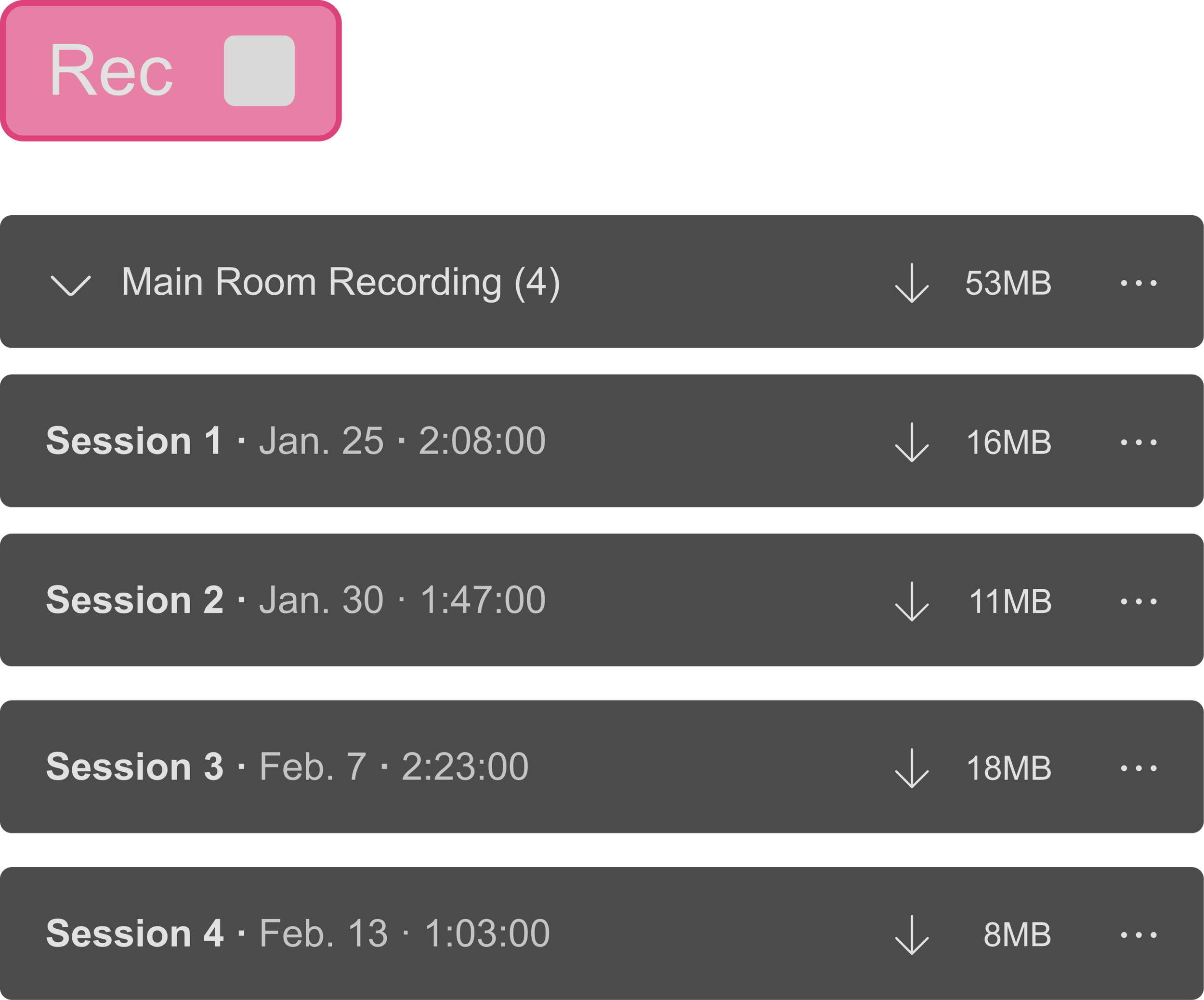
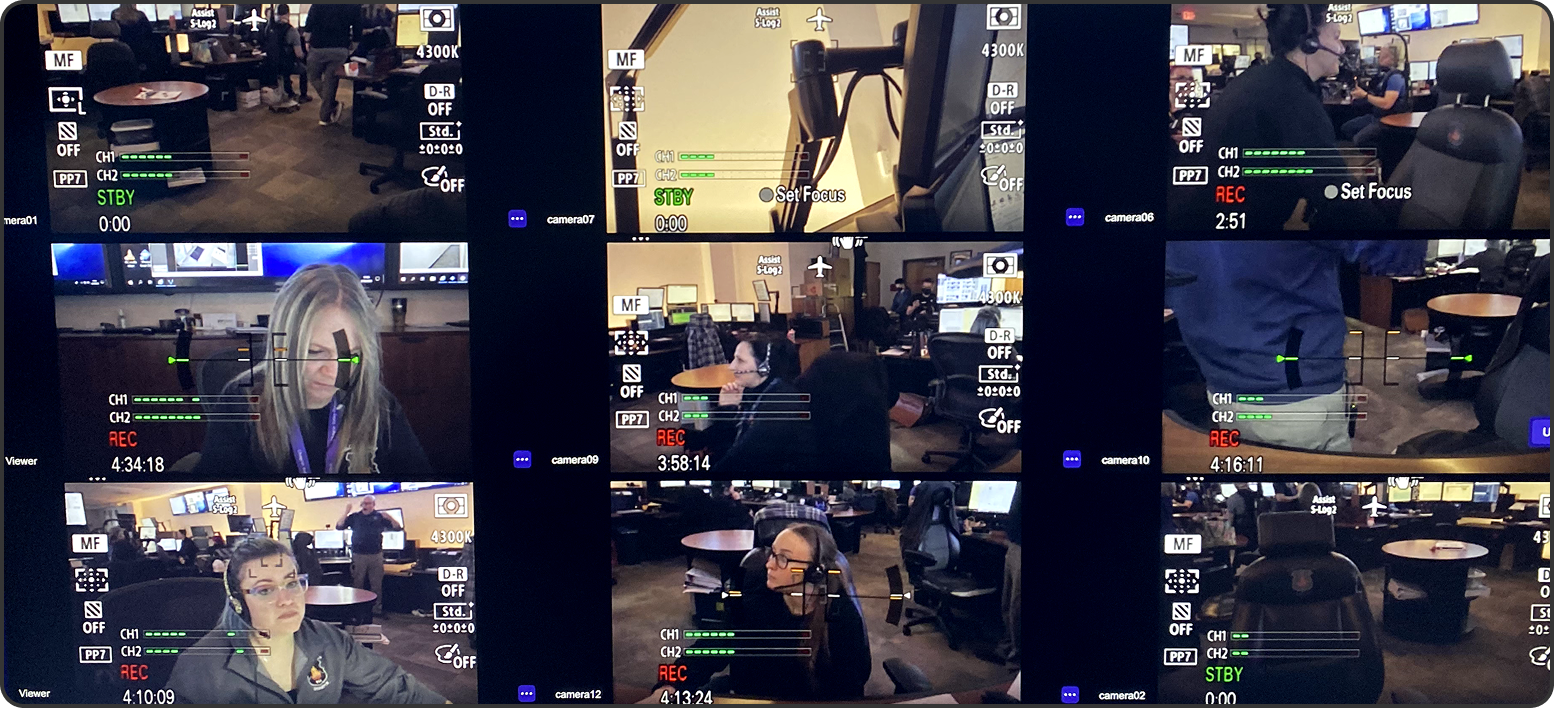
Grid Recording captures the full session in one file. ISO Recording saves each participant's feed as a separate isolated track — ready for editing, mixing, or post-production.

STREAMING
Broadcast your Coresee Room to any external destination. Connect any external feed. Set resolution, frame rate, and bitrate to your needs.

Start your media-rich collaboration in under a minute
CREATE A ROOM
INVITE
UPLOAD & PRESENT
JUST JUMP BACK IN THE SAME ROOM NEXT TIME
IT’S THAT EASY
endless applications
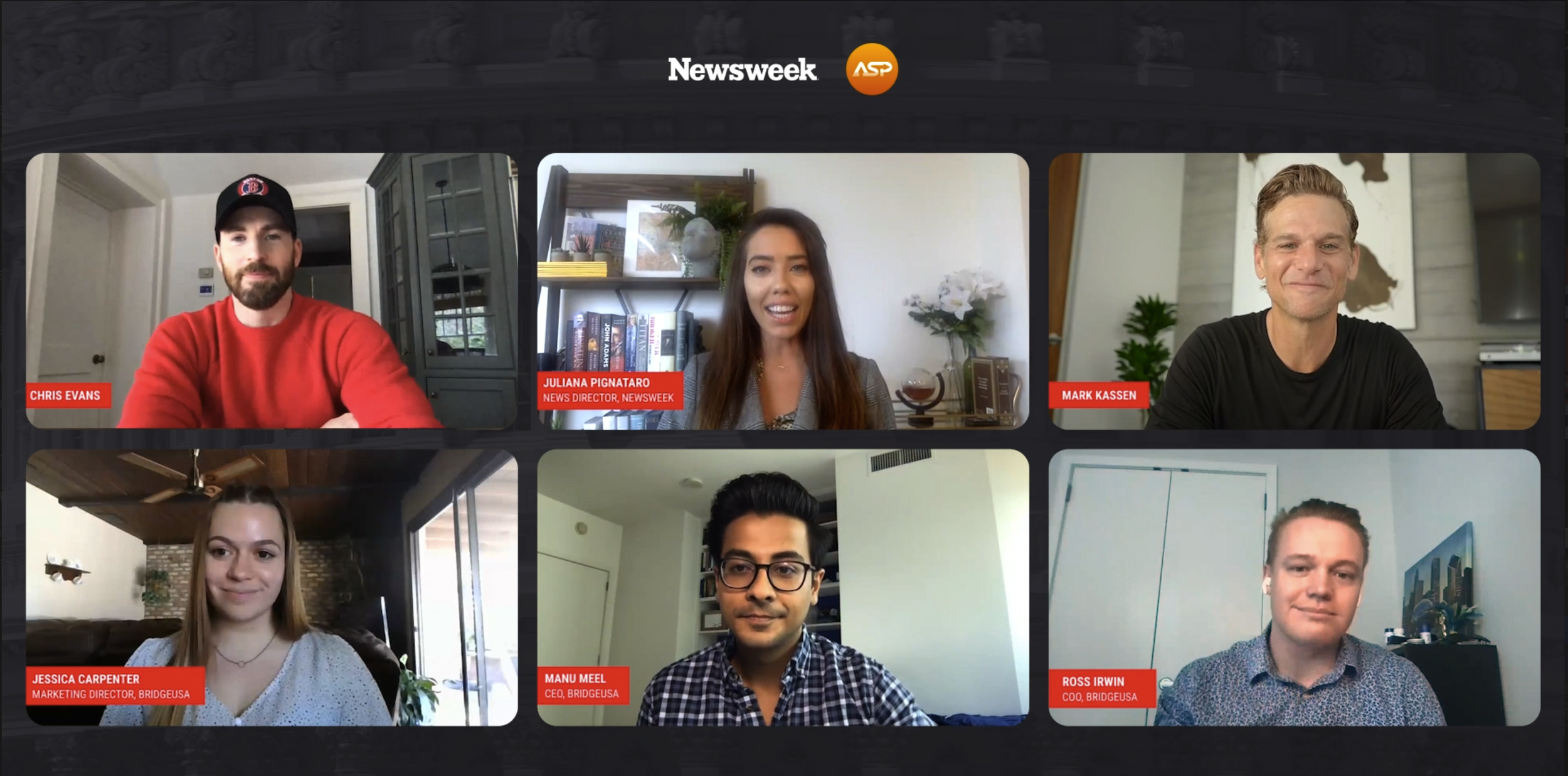
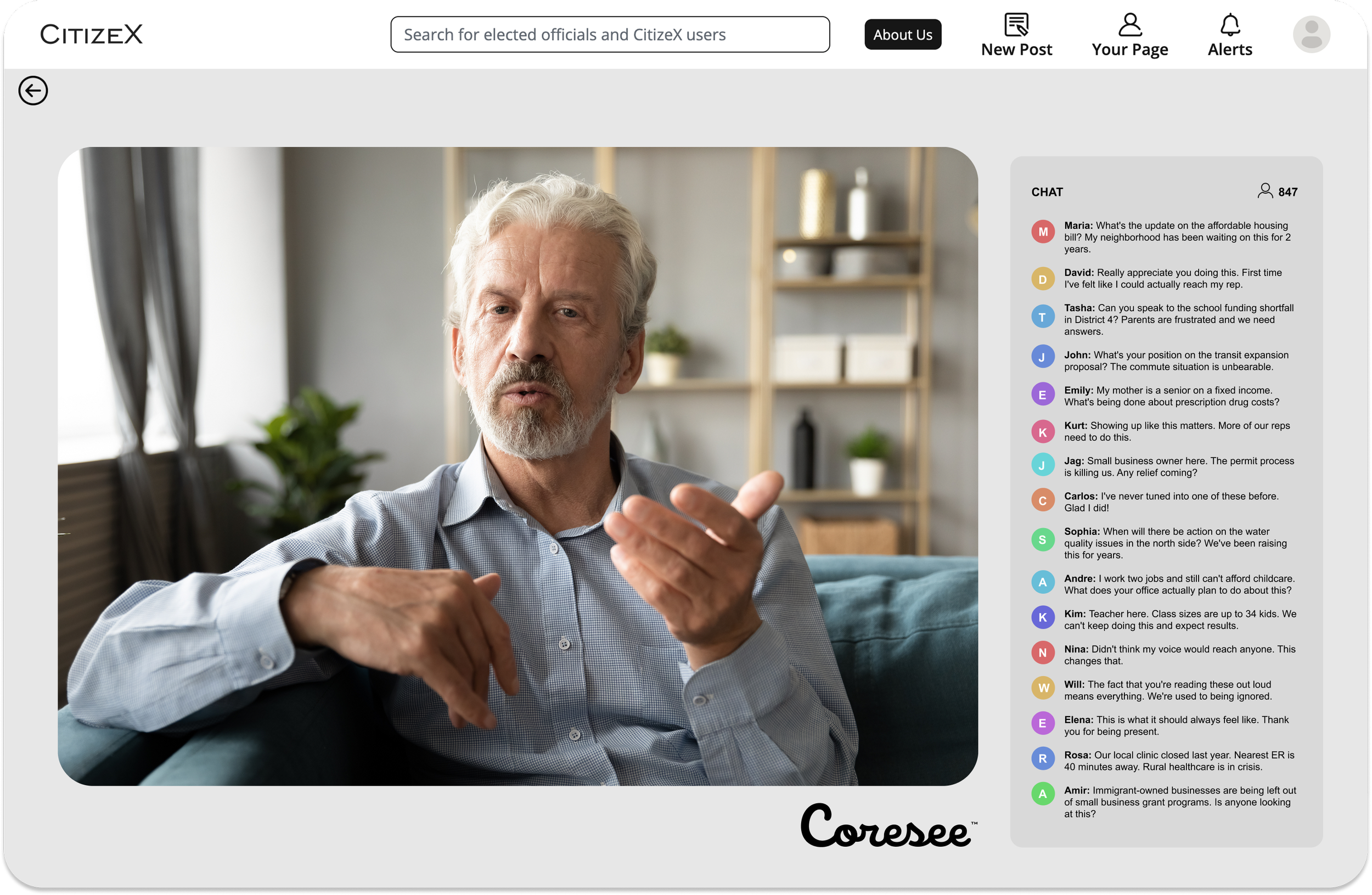
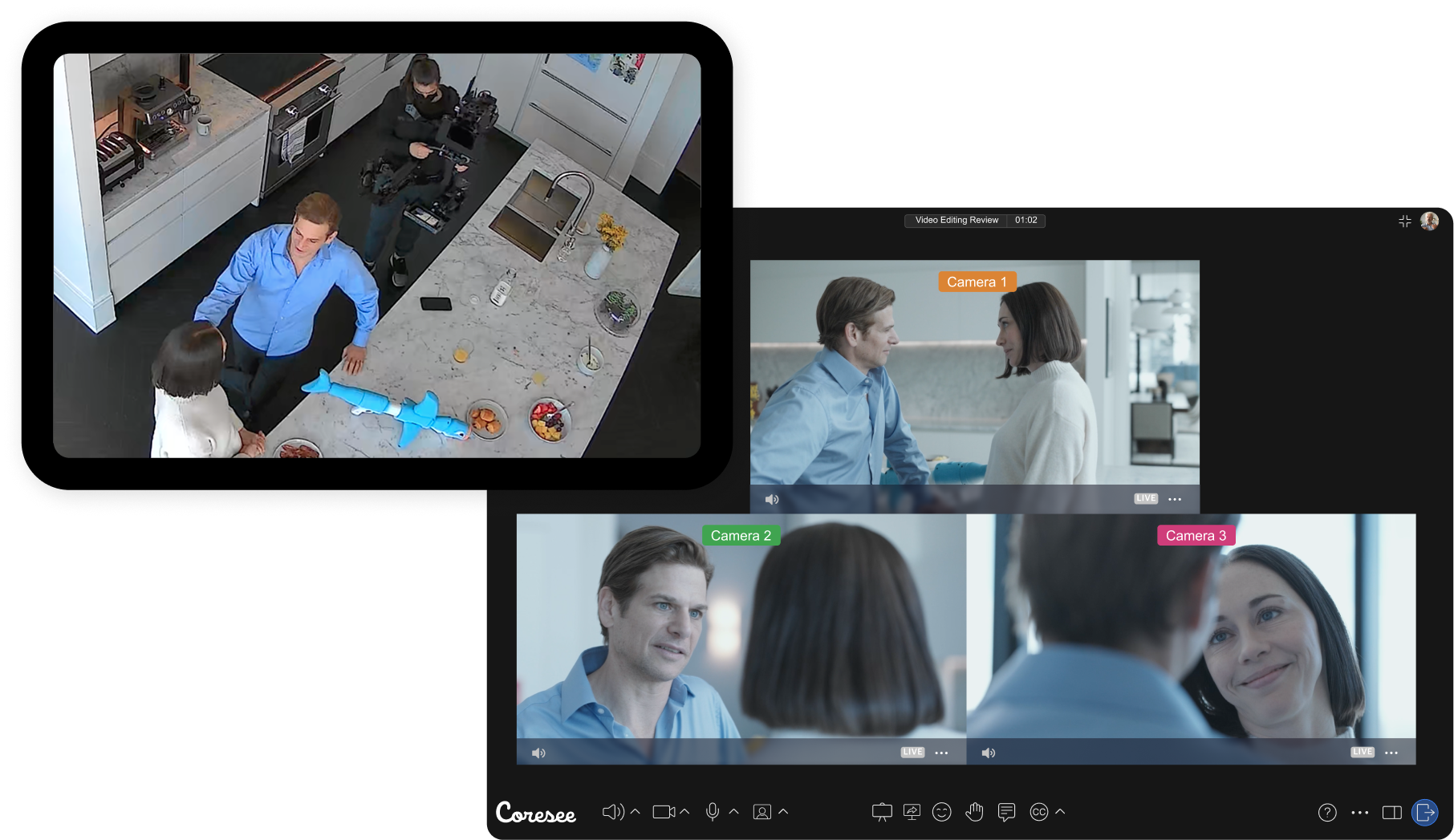
CASE STUDIES
START COLLABORATING
Create your first room today
Create a persistent workspace in under a minute.
Invite your team, drop in your assets, and the next session picks up where this one ended.